
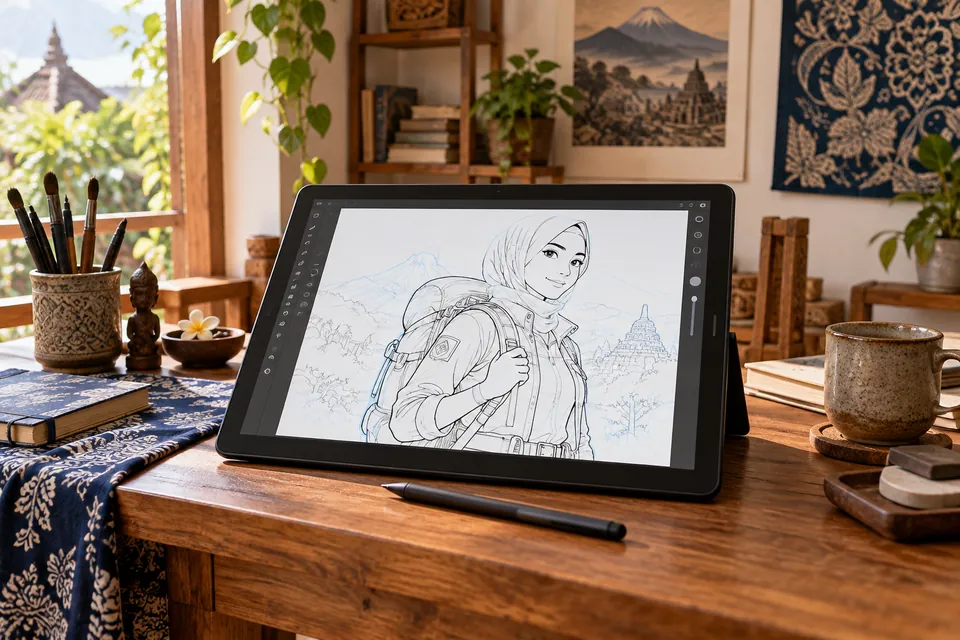
Prepare a manageable workspace
Start with a moderate canvas size appropriate to your device. Choose a small number of brushes and organise the panels you need. Test pen pressure and save the working file before investing time in details.
Make three thumbnails
Try three small compositions before enlarging one. Compare the subject's placement, light and empty space. A thumbnail should help you choose an arrangement rather than become a finished illustration.
Organise layers by function
Keep sketch, line art, colour and background understandable. Name important layers and use groups where helpful. A clear structure makes corrections easier than placing everything on one layer.
Build forms and refine the lines
Check construction before cleaning the outline. Use line weight deliberately and keep changes related to the form. Do not rely on a smooth brush to solve an unclear drawing.
Limit colour and choose one light source
Begin with a small set of colour families and establish where the light comes from. Separate major colour areas before adding subtle effects. Keep highlights and shadows consistent across the picture.
Review with three questions
Is the main subject clear? Are the light and shadow consistent? Do the values separate the important forms? View the image at a smaller size to identify problems that details can hide.
Keep the original and export a copy
Save the editable file with its layers. Export a separate image for sharing at the dimensions and format you need. Check the exported copy rather than assuming it matches the working view.
Turn the first image into repeatable practice
Repeat the workflow on a similar-sized project. Change one focus, such as composition or light, and record what improved. Repetition with a clear question builds a useful process.
References and further reading
The academy's practice suggestions are its own. A reference does not imply endorsement of the academy or its courses.
